PostgreSQL Performance Tuning for High Traffic

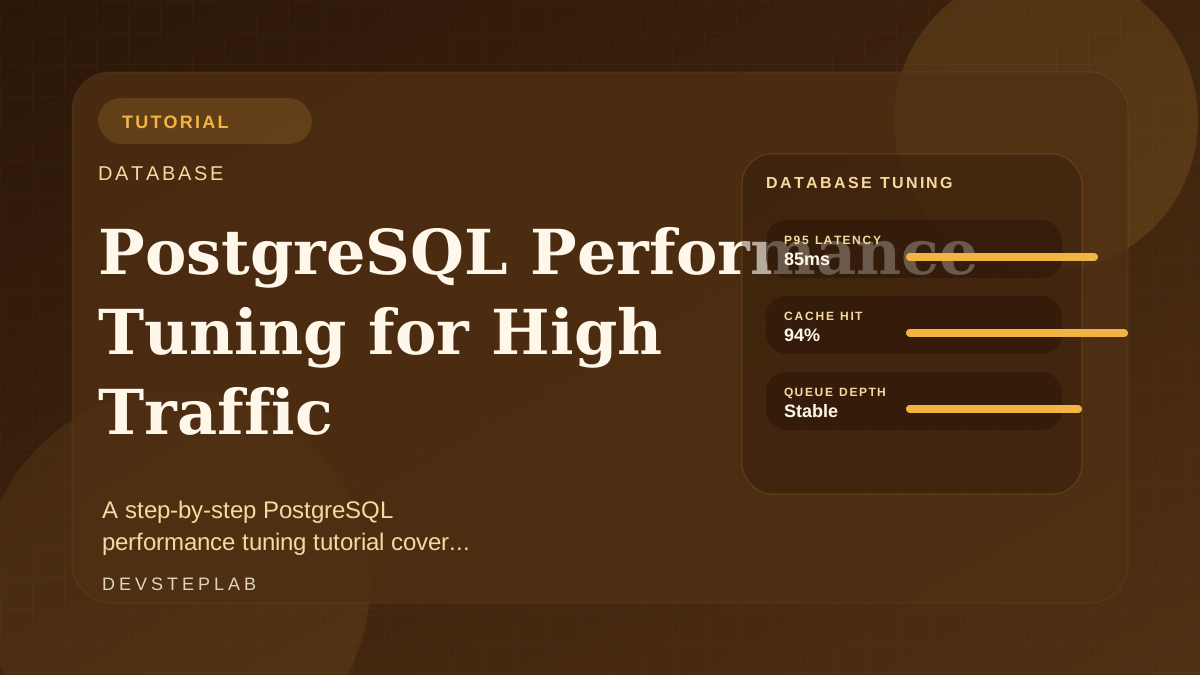
A step-by-step PostgreSQL performance tuning tutorial covering query plans, indexing, connection pressure, and workload-aware bottleneck diagnosis.
Database performance work goes sideways when every latency spike gets blamed on PostgreSQL itself. In high-traffic systems, the real problems are usually a mix of query shape, indexing strategy, connection pressure, and application-level access patterns.
This tutorial gives you a repeatable way to diagnose those issues before you start changing knobs blindly.
Most PostgreSQL performance tuning wins come from query shape, index strategy, and workload visibility rather than blind parameter changes.
Start with the slow path, not global settings
Look for the specific queries or endpoints driving the load:
- Which routes are slow?
- Which query shapes appear most often?
- Which queries consume the most time or buffers?
Global tuning without query evidence usually produces configuration folklore instead of measurable improvements.
Read execution plans like a product engineer
Use EXPLAIN (ANALYZE, BUFFERS) on representative queries and look for:
- sequential scans where a selective index should exist
- repeated nested loops on large row sets
- sorts and hash operations spilling to disk
- row estimates that are wildly wrong
EXPLAIN (ANALYZE, BUFFERS)
SELECT id, status, created_at
FROM orders
WHERE account_id = $1
  AND created_at >= NOW() - INTERVAL '7 days'
ORDER BY created_at DESC
LIMIT 50;
Execution plans are not academic output. They tell you where the engine is spending time and why.
Match indexes to real access patterns
Indexing works best when it matches your most common filters and ordering needs. For the query above, a composite index on (account_id, created_at DESC) is often more useful than two disconnected indexes.
This is the same idea behind Distributed Caching with Redis That Stays Predictable: fast systems are built by matching data access patterns to the actual workload, not by layering generic optimizations everywhere.
Control connection pressure
High traffic can exhaust the database even if individual queries are acceptable. Watch for:
- application pools that are too large
- long-lived idle transactions
- bursty jobs sharing the same pool as user requests
Use pooling to smooth concurrency, but keep the database working set understandable. More connections are not the same as more throughput.
Re-check after each change
After any index or query rewrite:
- rerun the plan
- measure endpoint latency
- confirm write amplification did not get worse
Database tuning is iterative. The goal is not a mythical perfectly tuned server. The goal is a workload whose hot paths are simple enough to reason about under traffic.
Related next reads
Frequently Asked Questions
Should I add indexes for every slow query?
No. Indexes improve some read paths but increase write cost and maintenance overhead. Add them only after confirming the query pattern and selectivity justify the tradeoff.
Is connection pooling enough to fix database latency?
No. Pooling helps with concurrency management, but slow queries, missing indexes, and poor schema boundaries still need direct tuning.