Understanding the JavaScript Event Loop

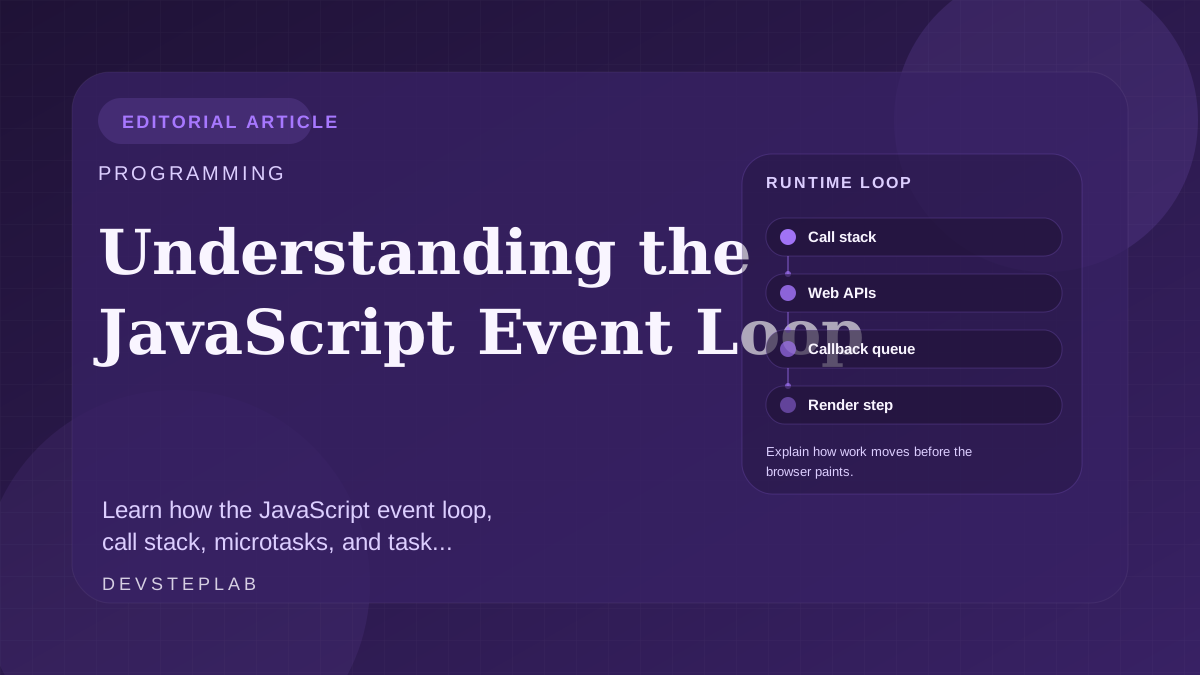
Learn how the JavaScript event loop, call stack, microtasks, and task queues shape async behavior, debugging, and UI responsiveness in modern apps.
Have you ever wondered how JavaScript manages to be single-threaded yet still handles timers, user input, and network requests at the same time? The answer sits at the center of the runtime model: the event loop.
This guide breaks the model down into the call stack, browser APIs, the callback queue, and the flow that moves work back into execution. The goal is a mental model you can actually use when debugging async behavior.
If you want to understand the JavaScript event loop for debugging, interviews, or performance work, focus on what the call stack, task queues, and microtasks change in real code.
What is the JavaScript Event Loop?
At a high level, the event loop is a scheduler that watches the call stack and the task queues. When the call stack becomes empty, it can move the next callback into execution.
That means asynchronous work is not magical. It is deferred until the current synchronous work finishes and the runtime is ready to process the next task.
Key concept: JavaScript can only execute one call stack at a time. The event loop makes non-blocking behavior possible by coordinating work that finishes outside that stack.
How JavaScript Handles Asynchronous Code
When you call something like setTimeout() or fetch(), JavaScript hands that operation to the environment instead of blocking the stack until the task finishes.
- Browser APIs and the runtime handle timers, DOM events, and network requests.
- The main thread keeps moving through the next synchronous lines of code.
- Once the async work completes, the callback is queued until the stack is clear.
Understanding that handoff explains why async code can still feel delayed even when a timeout is set to 0.
The Call Stack
The call stack records the current execution path. Every function call pushes a frame, and every completed function pops one off.
function multiply(a, b) {
  return a * b;
}

function square(n) {
  return multiply(n, n);
}

function printSquare(n) {
  var s = square(n);
  console.log(s);
}

printSquare(4);
In this example, printSquare() calls square(), which calls multiply(). The engine unwinds those frames in reverse order as each function returns.
The Callback Queue
The callback queue holds functions that are ready to run once the stack is empty. These callbacks usually come from timers, completed network requests, and event handlers.
The important detail is timing: a callback becoming ready does not mean it can run immediately. It only means it is eligible once the stack and higher-priority microtasks are finished.
Event Loop Flow
A classic example shows why setTimeout(fn, 0) is not immediate:
console.log('Hi');

setTimeout(function cb() {
  console.log('There');
}, 0);

console.log('JSConf');
The output is:
HiJSConfThere
The timeout callback becomes ready quickly, but it still waits until the synchronous code has finished and the call stack is empty.
Practical Real-World Example
Search interfaces are a good real-world example. You want to fetch results while the user types without freezing the UI.
async function handleSearch(query) {
  console.log('Searching for:', query);

  try {
    const response = await fetch(`/api/search?q=${query}`);
    const data = await response.json();
    renderResults(data);
  } catch (err) {
    console.error('Search failed', err);
  }
}

console.log('App Initialized');
The network request is handled outside the current stack. When the result is ready, the callback path continues after the promise resolves.
Common Mistakes Developers Make
Blocking the Event Loop
Heavy synchronous loops or CPU-intensive parsing will freeze rendering and input handling because the runtime cannot move on to the next queued work item.
Misunderstanding setTimeout(0)
0 does not mean immediate. It means the callback may run after the current call stack and any higher-priority queued work finish first.
Related next reads
Frequently Asked Questions
Is JavaScript truly single-threaded?
Yes, the JavaScript engine itself has one main thread. Browser APIs and the runtime environment handle timers, networking, and other background tasks outside that stack.
What is the difference between microtasks and macrotasks?
Microtasks such as resolved promises run before the next macrotask. Macrotasks such as setTimeout callbacks wait for the current task and microtask queue to finish first.
Can I manually clear the call stack?
No. The engine manages the call stack for you. The only way to reduce it is to return from functions or throw an error that unwinds execution.
Why does my UI freeze during heavy calculations?
Heavy synchronous work blocks the main thread, which prevents the event loop from processing paint events, input, and queued callbacks.